Technical SEO
Multi-Location and Service Area Schema: Modeling Where You Actually Work
areaServed, GeoCircle, branch relationships, and Department nodes explained for service businesses with one office and twenty cities, or twenty offices and one brand.
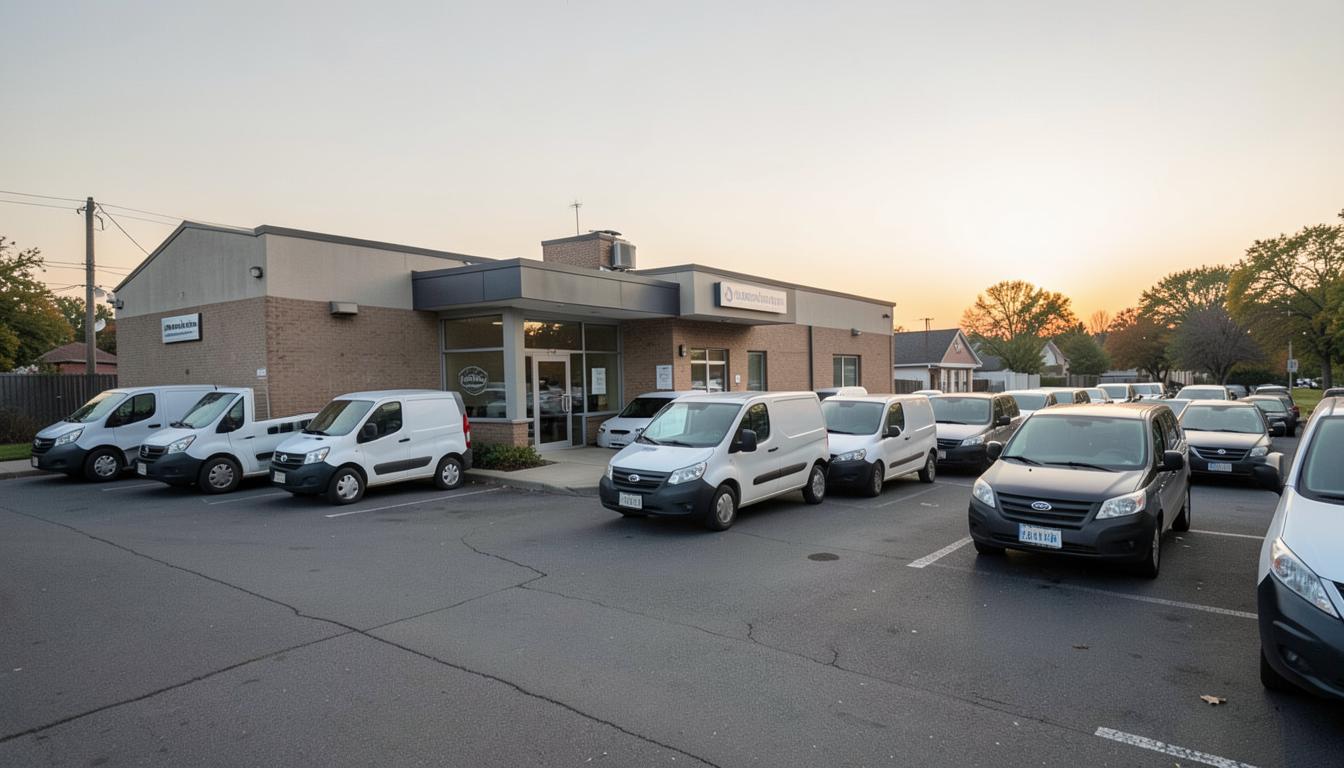
Geography is where structured data on service business sites most often falls apart. A plumbing company with one shop and thirty cities of coverage models itself the same way as a chain with nine branches, or a nine-branch chain publishes nine copies of the same LocalBusiness node with different phone numbers and no relationship between them. Both patterns leave a machine unsure how many businesses exist and which one serves a given address.
The distinction that governs everything here is whether a location is a place customers visit or an area you travel to. Schema.org has different properties for those two ideas, and using the wrong one produces a description of a business that does not exist. This guide covers how to model service areas, how to model genuine multi-location structures, when a location deserves its own page and entity, and how to keep a program of location pages from collapsing into duplication.
Pair this with our foundational guide to schema markup for local service websites, and with service area pages that avoid doorway penalties for the content side of the same problem.
Two different businesses, two different models
A storefront business has a place. Customers come to it, it has an address a visitor could stand in front of, and its hours describe when that door is open. A service area business travels. Its address may be a shop, a yard, or a home office that no customer ever visits, and what matters commercially is the territory it will drive to.
In markup terms, the first is described by address, geo, and openingHoursSpecification pointing at a real place. The second is described by areaServed, with the address present for identity but not presented as a place of business customers should visit. Many businesses are genuinely both, running a showroom while also serving a wide radius, and those need both sets of properties stated accurately rather than one blurred into the other.
Getting this wrong has consequences beyond markup tidiness. A business that presents a non-public address as a visitable location invites verification problems on its business profile, and an operator that describes twenty cities as twenty places of business is describing a chain that does not exist.
areaServed: the property most sites underuse
areaServed accepts several shapes, and choosing the right one is a judgment call about precision. A list of named administrative areas, cities, counties, or states is the clearest and most durable option for most service businesses, because those names are stable, unambiguous, and easy for any system to resolve. A GeoCircle with a center point and a radius is more compact and useful when your true coverage is genuinely a radius rather than a set of municipal boundaries. A GeoShape with a polygon is available when coverage is irregular, though it is rarely worth the maintenance burden for a small operator.
The most common mistake is vagueness. "Greater metro area" resolves to nothing in particular. Name the counties, and name the cities within them that you actually serve. If you will not drive to a town, do not list it, because coverage claims that fail on contact damage trust with customers and produce the mismatch problems described in the schema diagnostic checklist.
Second most common: listing areaServed once on the homepage and nowhere else. Service-specific coverage often differs. A company may install across five counties but offer emergency service in two. State that per service rather than flattening it into one optimistic list.
Modeling genuine multi-location businesses
When a business really does operate several places, the structure to express is a parent and its branches, not a set of unrelated businesses that happen to share a logo. Publish one organization entity for the brand, one location entity per real place, and connect them explicitly: each location declares its parent, and the organization can reference its locations.
Each location entity needs the facts that actually differ: its own address, its own primary phone, its own hours, its own geo coordinates, and its own manager or staff if that is public. Fields that do not differ, such as brand name and category, should reference the parent rather than being retyped, because retyping is how nine locations end up with four different versions of the company name.
Every location entity should live on a page dedicated to that location, with a stable identifier tied to that URL. A location described only inside a combined "our locations" list is much harder to resolve and impossible to reference cleanly from service pages, and it gives you nowhere to put the hours, parking notes, staff, and directions that make a location page genuinely useful.
Departments versus locations
A Department node describes a distinct operation within one place, such as a service counter with different hours from the showroom. It shares the parent's address. Use it when hours or phone differ inside a single building, and do not use it as a way to create extra entities for services, which belong in Service nodes instead.
Franchises and independently owned units
If units are separately owned legal entities, model them as separate organizations related to a brand rather than as branches of one company. Getting this wrong creates entity confusion that is difficult to unwind later, especially when one unit accumulates reviews or complaints that then attach to the wrong business.
The location page program problem
Most geographic schema failures are really scaling failures. A business builds thirty city pages from one template, each with identical copy and a swapped city name, then wires identical markup into all thirty with only areaServed changed. Search engines treat the set as near-duplicates, consolidate them, and the markup on twenty-nine of them never gets considered.
Structured data cannot rescue thin pages. What it can do is describe genuinely differentiated pages more clearly. So the sequence is content first: local project examples, response times realistic for that distance, the permitting or climate conditions that actually differ, the neighborhoods you work in. Then markup that reflects those specifics, with a self-referencing canonical, a unique title and description, and a Service node whose areaServed matches the page's actual subject.
For the content architecture behind this, see city and service page structure and scaling service area pages without doorway penalties. The markup rule is simply that a page should never claim to be about a place it has nothing specific to say about.
Consistency between markup and your business profile
Structured data does not exist in isolation from your business profile. If your profile is configured as a service area business with a hidden address while your markup presents a visitable storefront, you have published two contradictory versions of your operation. Systems reconciling those will trust the verified profile and discount your markup.
Align four things exactly: business name string, address handling, primary phone, and coverage. Where your profile hides an address, your markup should not present that address as a place of business with public hours. Where your profile lists specific service areas, your areaServed should match, not exceed them.
This is also the place where suspensions originate. Address inconsistencies and coverage claims that do not match reality are common triggers, and recovery is slow. Our guide on business profile suspensions and recovery covers what that process involves, and the cheapest version of that lesson is not creating the inconsistency in the first place.
A working checklist by business shape
Use the shape that matches your operation and ignore the rest. Most sites only need one of these three.
One office, many cities
One business entity with a stable identifier. Address present for identity, hours described honestly for phone and dispatch rather than walk-ins. areaServed listing named counties and cities. One Service node per offering, each with its own areaServed where coverage differs. City pages only where you have genuine local specifics, each with a self-referencing canonical and a Service node scoped to that place.
Several real branches
One organization entity for the brand. One location entity per branch with its own address, phone, hours, and geo, each declaring the parent and living on its own page. Service nodes referencing the specific branch that provides them. No retyped brand fields on branch nodes.
Showroom plus travel radius
One business entity with both a visitable address with real opening hours and an areaServed describing the travel territory. Departments only if hours genuinely differ inside the building. Keep in-store and in-home offerings as separate Service nodes so their coverage and pricing can differ honestly.
Frequently Asked
Questions & answers
What is the difference between address and areaServed?
address describes where the business is, and areaServed describes the territory it serves. A service area business that customers never visit should still state an address for identity, but its commercial coverage belongs in areaServed rather than being implied by the address.
Should I use GeoCircle or a list of cities for my service area?
A list of named cities and counties is clearer and easier to maintain for most operators, because those names resolve unambiguously. GeoCircle is a good fit when your coverage really is a driving radius from one point rather than a set of municipal boundaries.
How should a business with multiple offices structure its markup?
Publish one organization entity for the brand and one location entity per real office, each with its own address, phone, hours, and geo, each declaring the parent organization and each living on a dedicated page with a stable identifier.
Can I create a separate LocalBusiness entity for every city I serve?
No. Inventing entities for cities where you have no physical presence describes a chain that does not exist, fragments your identity across dozens of competing nodes, and can create verification problems for your business profile.
Do I need a page for every city in my service area?
Only where you have something genuinely specific to say: local project examples, realistic response times, local code or climate factors, named neighborhoods. Pages built by swapping a city name into one template tend to be consolidated, and their markup never gets considered.
What is a Department node used for?
It describes a distinct operation within a single physical location, such as a parts counter with different hours from the main showroom. It shares the parent's address and should not be used to represent services or coverage areas.
My markup and my business profile disagree about my address. Which wins?
The verified profile generally wins, and the disagreement discounts your markup. Align the two exactly, and where your profile hides the address, do not present that address in markup as a place of business with public walk-in hours.
Put this into practice
Check your market for exclusive leads
See whether your service area and category are still open for exclusive representation.
Check availability